2022 Lucid Air User Profiles Owners Manual
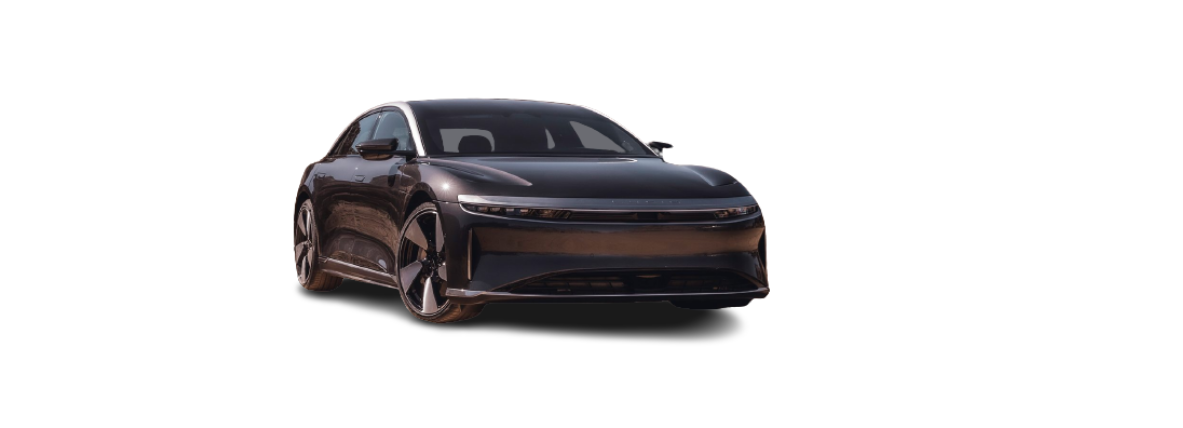
2022 Lucid Air feature

2022 Lucid Air User Profiles About User Profiles You can create multiple User Profiles for your vehicle, enabling everyone to personalize their vehicle settings, including: Preferences for entry to and exit from the vehicle (see Loading and Switching Profile Preferences) Seat positioning (see Adjusting Front Seats) Positioning of exterior mirrors (see Adjusting the Exterior Side … Read more
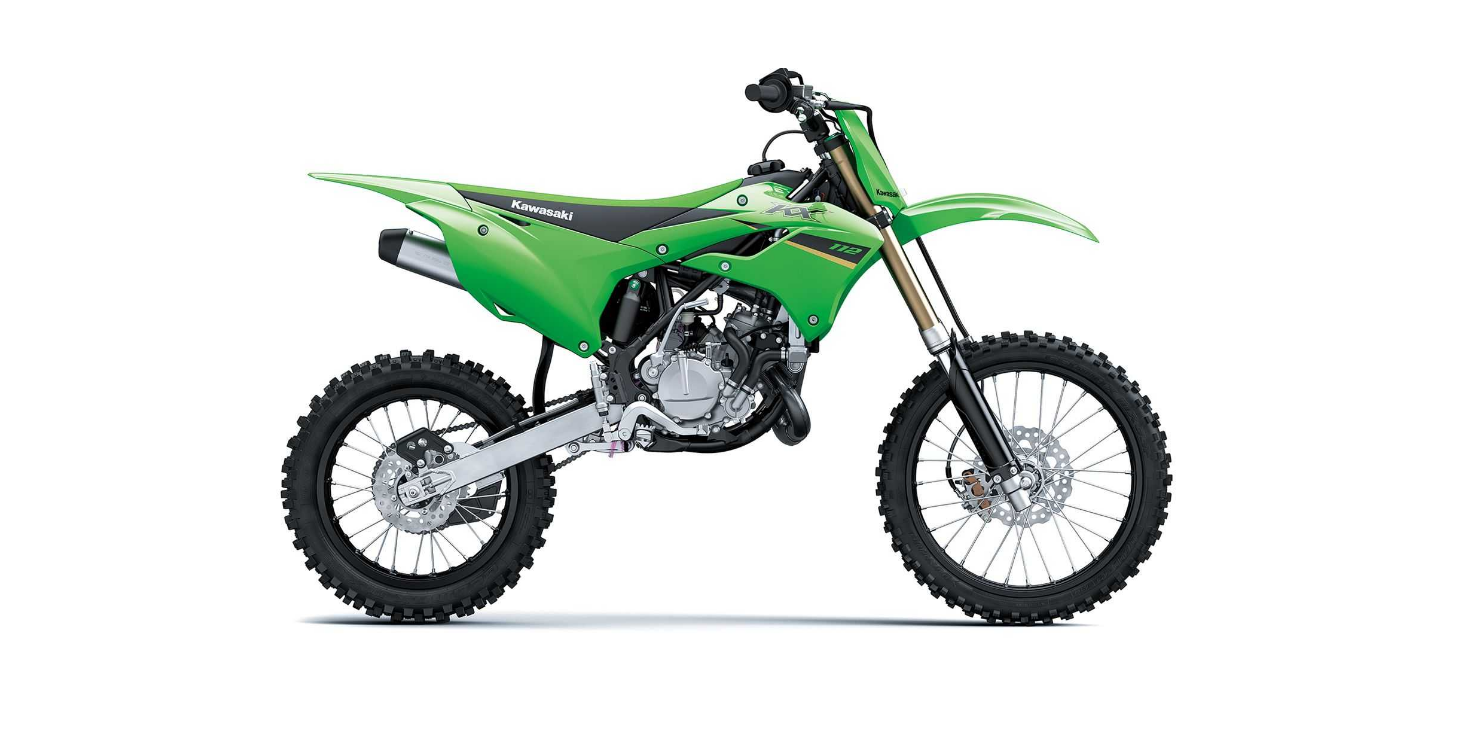
2022 Kawasaki KX112 Front Suspension Owner’s Manual

2022 Kawasaki KX112 fea

2022 Kawasaki KX112 Front Suspension Front Suspension Front Fork Inspection NOTICE Sticking muds or dusts on the sliding surface of the front fork could damage the oil seal,leading to an oil leak. Clean the sliding sur face after each ride. Holding the brake lever, pump the front fork back and forth manually to check for … Read more

2022 Kawasaki KX112 Rear Suspension (UNI-TRAK®) Owner’s Manual

2022 Kawasaki KX112 fea

2022 Kawasaki KX112 Rear Suspension (UNI-TRAK®) Rear Suspension (UNI-TRAK®) This motorcycle’s rear suspension system is called UNI-TRAK and consists of a rear shock absorber unit, a swingarm, two lever rods and a lever. The operating characteristics of the UNI-TRAK suspension are similar to those of the front fork. However, a linkage system is used to … Read more

2022 Kawasaki KX112 Wheels Owner’s Manual

2022 Kawasaki KX112 fea

2022 Kawasaki KX112 Wheels Wheels Tire Air Pressure Tire air pressure affects traction, handling, and tire life. Adjust the tire air pressure to suit track conditions and rider preference, but keep it close within the recommended range. To check the tire air pressure, remove the air valve cap, and make sure to tighten the cap … Read more

2022 Kawasaki KX112 Tightening Torques of Nuts and Bolts Owner’s Manual

2022 Kawasaki KX112 fea

2022 Kawasaki KX112 Tightening Torques of Nuts and Bolts Tightening Torques of Nuts and Bolts Location of nuts and bolts Before the first ride of each day of operation, check the tightness of the nuts and bolts shown below. Check also that all cotter pins are in place and in good condition. Front Fork Clamp … Read more

2022 Kawasaki KX112 Cleaning Your Motorcycle Owner’s Manual

2022 Kawasaki KX112 fea

2022 Kawasaki KX112 Cleaning Your Motorcycle Cleaning Your Motorcycle General Precautions Frequent and proper care of your Kawasaki motorcycle will enhance its appearance, optimize over all performance, and extend its useful life. Covering your motorcycle with a high-quality, breathable motorcycle cover will help protect its finish from harmful UV rays, pollutants, and reduce the amount … Read more

2022 Kawasaki KX112 Lubrication Owner’s Manual

2022 Kawasaki KX112 fea

2022 Kawasaki KX112 Lubrication Lubrication Lubricate the areas shown in the illustrations of this section with either motor oil or regular grease,after each race and whenever the vehicle has been operated under wet or rainy conditions, especially after using a high-pressure spray washer. Before lubricating a part, clean off any rust with rust remover and … Read more

2022 Kawasaki KX112 Hoses Inspection Owner’s Manual

2022 Kawasaki KX112 fea

2022 Kawasaki KX112 Hoses Inspection Hoses Inspection Check the brake and fuel hoses for cracks or deterioration, and the connections for looseness in accordance with the Periodic Maintenance Chart. Inspect the hoses and fittings for deterioration, cracks and signs of leakage by bending or twisting the hoses. If damaged, replace the hoses. A. Leak B. … Read more

2022 Lucid Air Media and Audio Owners Manual

2022 Lucid Air feature

2022 Lucid Air Media and Audio Media Overview To launch media, tap the Media icon on the Right Cockpit Panel. Applications displayed in the Smart Drawer window on the Right Cockpit Panel allow you to browse the contents. The Pilot Panel view of the smart drawer shows additional controls for lists and libraries. Tap on … Read more

2022 Lucid Air Maps and Navigation Owners Manual

2022 Lucid Air feature

2022 Lucid Air Maps and Navigation Navigation Overview To access navigation, press the icon on the right Cockpit Panel. This screen will display your current location and street name (where applicable). If you pan away from the current location, the street name will be replaced by a Recenter button. Pressing Recenter is a quick way … Read more