2021 Tesla Model S Air Suspension Onwer Manual
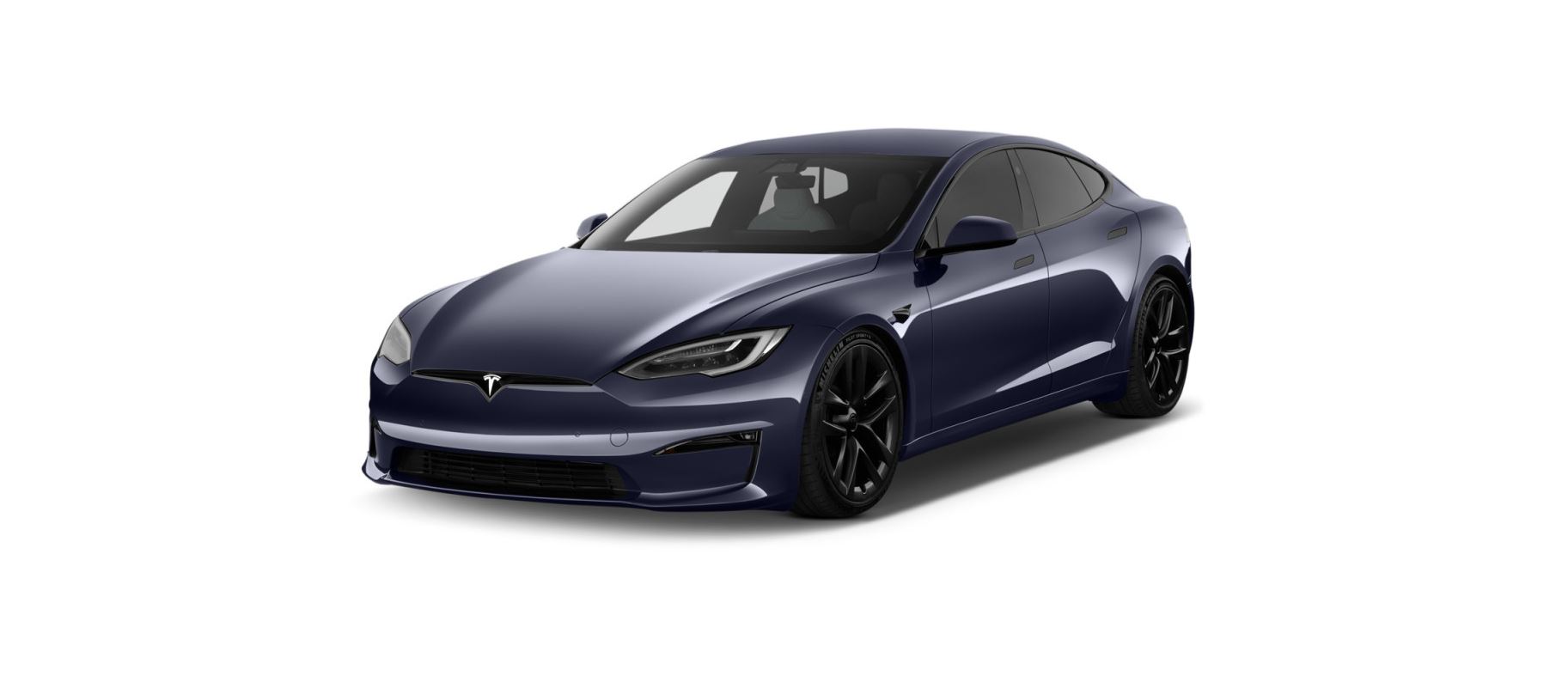
2021 Tesla S feature

2021 Tesla Model S Air Suspension Air Suspension Note When Model S starts, you may hear the sound of the compressor as the air suspension system’s reservoir fills with air. Your Model S is equipped with Adaptive Air Suspension that offers superior ride quality and allows you to choose a softer or firmer ride based on your preference. When carrying loads, … Read more
2021 Tesla Model S Voice Commands Owner Manual

2021 Tesla S feature

2021 Tesla Model S Voice Commands Voice Commands Use voice commands to easily control settings and preferences without using the touchscreen. You can ask Model S to do just about anything, such as adjusting climate controls and media preferences. Available commands include most features that are managed by the touchscreen except driving-related commands, for example shifting drive modes. … Read more

2021 Tesla Model 3 HomeLink Universal Transceiver Owners Manual

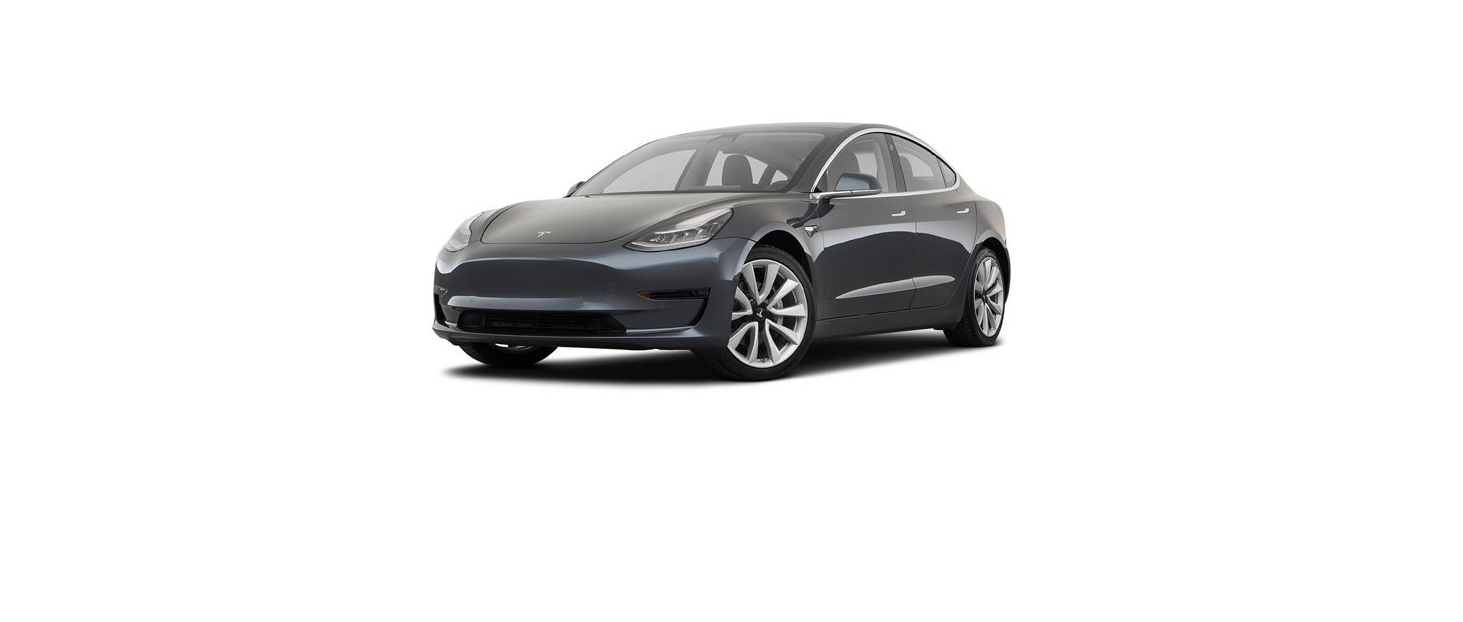
2021 Tesla Model 3 featured

2021 Tesla Model 3 HomeLink Universal Transceiver About HomeLink If your vehicle is equipped with the HomeLink® Universal Transceiver, you can operate up to three Radio Frequency (RF) devices, including garage doors, gates, lights, and security systems. Note Depending on date of manufacture, market region, and options selected at time of purchase, some vehicles are … Read more

2021 Tesla Model S Dashcam and Sentry Mode Onwer Manual

2021 Tesla S feature

2021 Tesla Model S Dashcam and Sentry Mode Note Depending on market region, vehicle configuration, options purchased, and software version, your vehicle may not be equipped with Dashcam or Sentry Mode or the features may not operate exactly as described. Please note it is your sole responsibility to consult and comply with all local regulations and property restrictions … Read more

2021 Tesla Model S Security Settings Onwer Manual

2021 Tesla S feature

2021 Tesla Model S Security Settings About the Security System If Model S does not detect a key nearby and a locked door or trunk is opened, an alarm sounds. The headlights and turn signals also flash. To deactivate the alarm, press any button on the key fob. To manually enable or disable the alarm system, touch Controls > Safety > Security Alarm. … Read more

2021 Tesla Model S Mobile App Owner Manual

2021 Tesla S feature

2021 Tesla Model S Mobile App The Tesla mobile app allows you to communicate with Model S remotely using your iPhone® or Android™ phone. Note The information below may not represent an exhaustive list of the functions available on the Tesla mobile app. To ensure access to new and improved features, download updated versions of the mobile app … Read more

2021 Tesla Model S Software Updates Owner Manual

2021 Tesla S feature

2021 Tesla Model S Software Updates Loading New Software Tesla updates your vehicle’s software wirelessly, constantly providing new features. Tesla recommends you install software updates as soon as they are available on your vehicle. To ensure the fastest and most reliable delivery of software updates, leave Wi-Fi turned on and connected whenever possible. In most … Read more

2021 Tesla Model S Connecting to Wi-Fi Owners Manual

2021 Tesla S feature

2021 Tesla Model S Connecting to Wi-Fi Wi-Fi is available as a data connection method and is often faster than cellular data networks. Connecting to Wi-Fi is especially useful in areas with limited or no cellular connectivity. To ensure fast, reliable delivery of software and map updates, Tesla recommends leaving Model S connected to a Wi-Fi network whenever … Read more

2021 Tesla Model S HomeLink Universal Transceiver Onwer Manual

2021 Tesla S feature

2021 Tesla Model S HomeLink Universal Transceiver About HomeLink If your vehicle is equipped with the HomeLink® Universal Transceiver, you can operate up to three Radio Frequency (RF) devices, including garage doors, gates, lights, and security systems. Note Depending on date of manufacture, market region, and options selected at time of purchase, some vehicles are … Read more

2021 Tesla Model S Charging Instructions Owners Manual

2021 Tesla S feature

2021 Tesla Model S Charging Instructions Opening the Charge Port The charge port is located on the left side of Model S, behind a door that is part of the rear tail light assembly. Park Model S to ensure that the charging cable easily reaches the charge port With Model S unlocked (or a recognized key is within range) and in Park, press … Read more