2022 Polestar 2 Polestar Connect Services Owner’s Manual
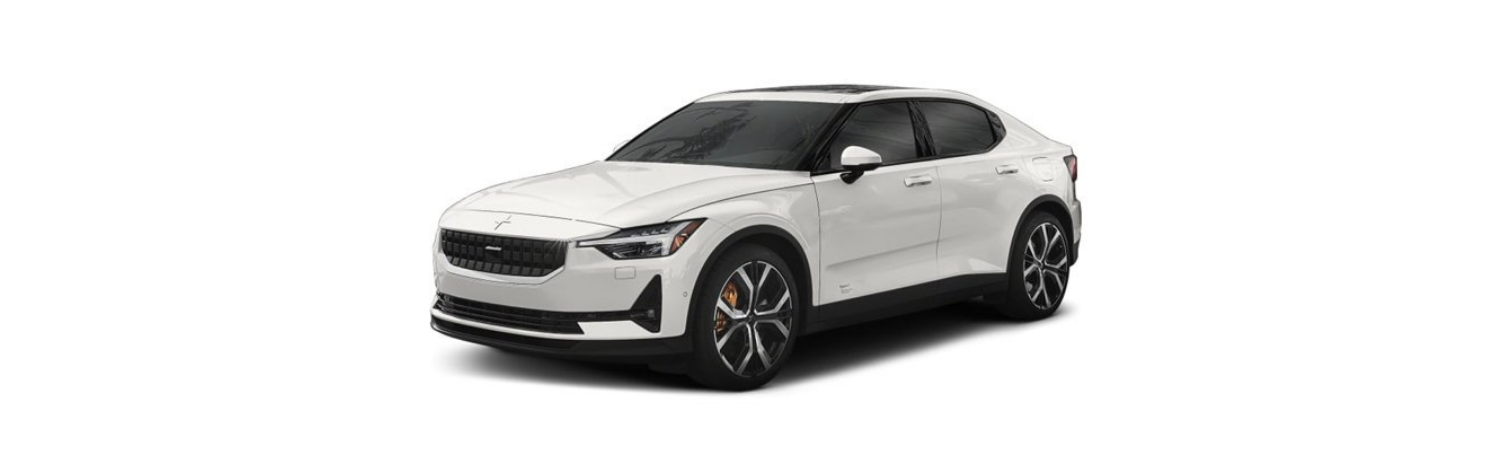
2022 Polestar 2 featured

2022 Polestar 2 Polestar Connect services Assistance via Polestar Connect Polestar Assistance can offer support in the event of a breakdown or if your vehicle unexpectedly becomes immobilized. Polestar Assistance is available 24/7 and can be accessed by pressing the CONNECT button on the ceiling of the vehicle or via the Polestar app. If data sharing for Polestar Connect is activated, Polestar Assistance … Read more

2022 Polestar 2 Connecting a Phone Owners Manual

2022 Polestar 2 featured

2022 Polestar 2 Connecting a phone Disconnecting Bluetooth-connected devices Phones or other devices in the list of registered Bluetooth devices can be removed. Open App view. Tap settings  at the bottom of the display. Tap Bluetooth. Tap the arrow after the name of the phone. Tap Forget device. The phone is no longer registered in the vehicle. Disconnecting … Read more

2022 Polestar 2 Polestar Connect General Topics Owner’s Manual

2022 Polestar 2 featured

2022 Polestar 2 Polestar Connect General topics Polestar Connect Polestar Connect provides direct contact with the vehicle and extra comfort and assistance 24 hours a day. The functions are available via the Polestar app and the CONNECT and SOS buttons in the vehicle’s ceiling console: In the event of an accident, emergency assistance (ambulance, police, etc.) can be summoned to the … Read more

2022 Polestar 2 Assistance During a Collision Owner’s Manual

2022 Polestar 2 featured

2022 Polestar 2 Assistance during collision risks Ability to reduce speed with assistance during collision risks Assistance during collision risks(Collision Avoidance) can help prevent a collision or lower the vehicle’s speed at the point of impact. If the speed difference between your vehicle and the obstacle is greater than the speeds given below, the auto-brake function … Read more

2022 Polestar 2 Center Display Owner’s Manual

2022 Polestar 2 featured

2022 Polestar 2 Center display Center display overview Many of the vehicle’s functions can be controlled from the center display. The center display and its possibilities are presented below. Home view Home view is the first view displayed when the screen is activated. Home view consists of four tiles showing the most recently used apps. … Read more

2022 Polestar 2 Trailer Hitch and Trailer Owner’s Manual

2022 Polestar 2 featured

2022 Polestar 2 Trailer hitch and trailer Detachable towbar Polestar recommends using Polestar towbars that are specially designed for the vehicle. NOTE The optional detachable trailer hitch may not be available in all markets or on all models. Contact Polestar Customer Support. (A)Ball holder (B)Cotter pin (C)Towbar assembly (D)Locking bolt (E)Safety wire attachment bracket Installing the … Read more

2022 Polestar 2 Sirius XM Satellite Radio Owners Manual

2022 Polestar 2 featured

2022 Polestar 2 Sirius XM satellite radio   SiriusXM® Satellite radio* The SiriusXM® Satellite system broadcasts from of a number of high elevation satellites in geosynchronous orbit. Starting SiriusXM The SiriusXM app can be started via the center display or via voice control. Via the center display: Start the SiriusXM app from Home view or App view. Select the desired station from the … Read more

2022 Polestar 2 Symbols and Messages Owner’s Manual

2022 Polestar 2 featured

2022 Polestar 2 Symbols and messages BLIS* messages A number of messages related to BLIS may be displayed in the instrument panel. Several examples are provided below. Message Meaning Blind spot sensor Service required The system is not functioning as intended. Contact Polestar Customer Support. Blind spot system off Trailer attached BLIS and Cross Traffic Alert* have been deactivated because a … Read more

2022 Polestar 2 Driving Recommendations Owner’s Manual

2022 Polestar 2 featured

2022 Polestar 2 Driving recommendations Braking on salted roads When driving on salted roads, a layer of salt may form on the brake discs and brake pads. This could increase stopping distance. Maintain an extra-large safety distance to the vehicle ahead. Make sure to also: Apply the brakes from time to time to help remove … Read more